
Your privacy
Your choices deserve clear answers.
Choosing reward apps is personal. Permission, data handling and recovery deserve a plain explanation, alongside the product.
Read the privacy policyA more intentional day
Mavioa brings tasks, recurring habits and chosen app rewards together on iPhone. The idea: meaningful work first, your chosen apps after.
Explore an earned day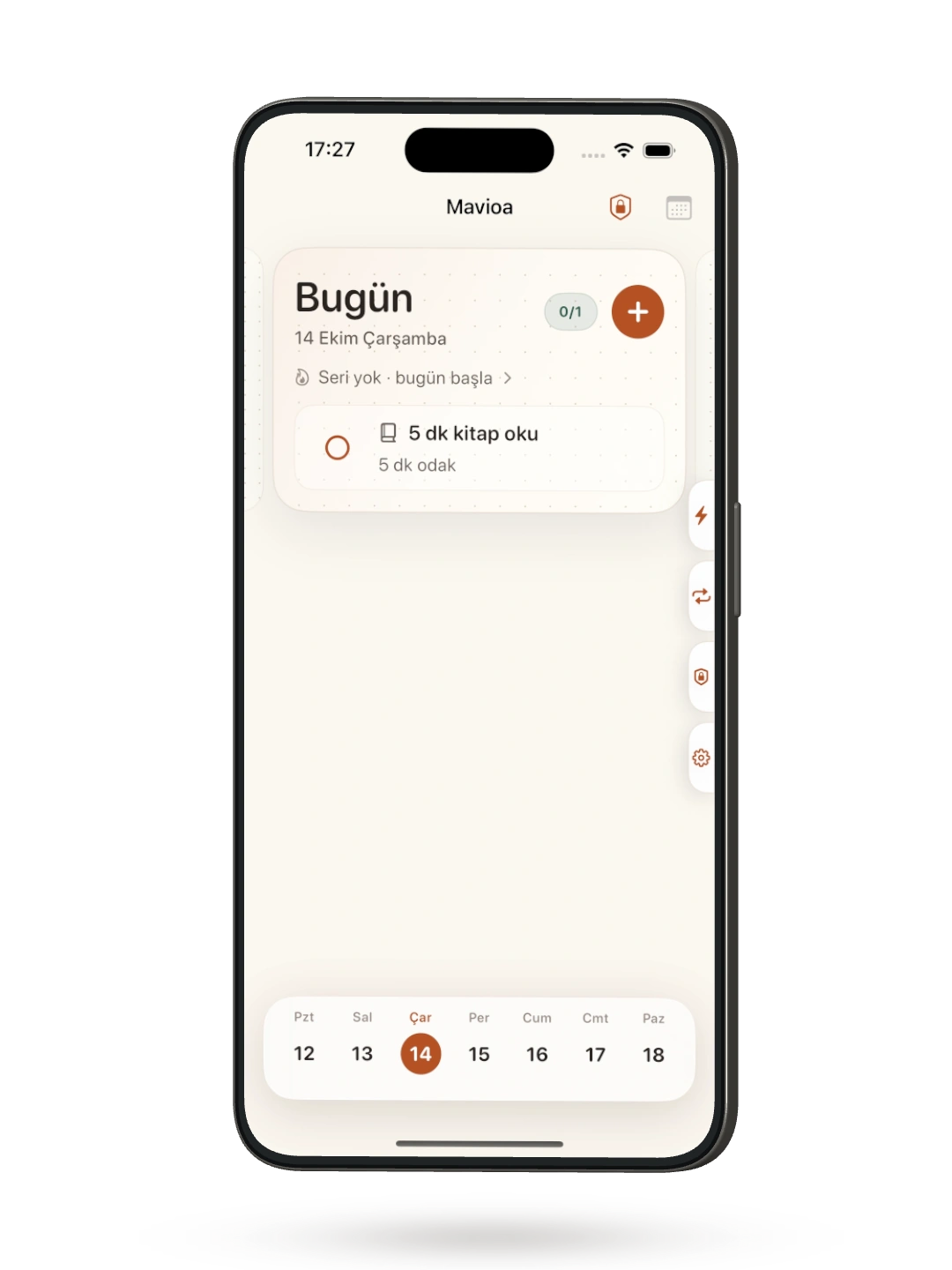
Authentic Turkish development screens are shown where English captures are not yet available.
The problem
A plan gives your day direction. But when distraction is only a tap away, following through can be the harder part.
The Mavioa Way
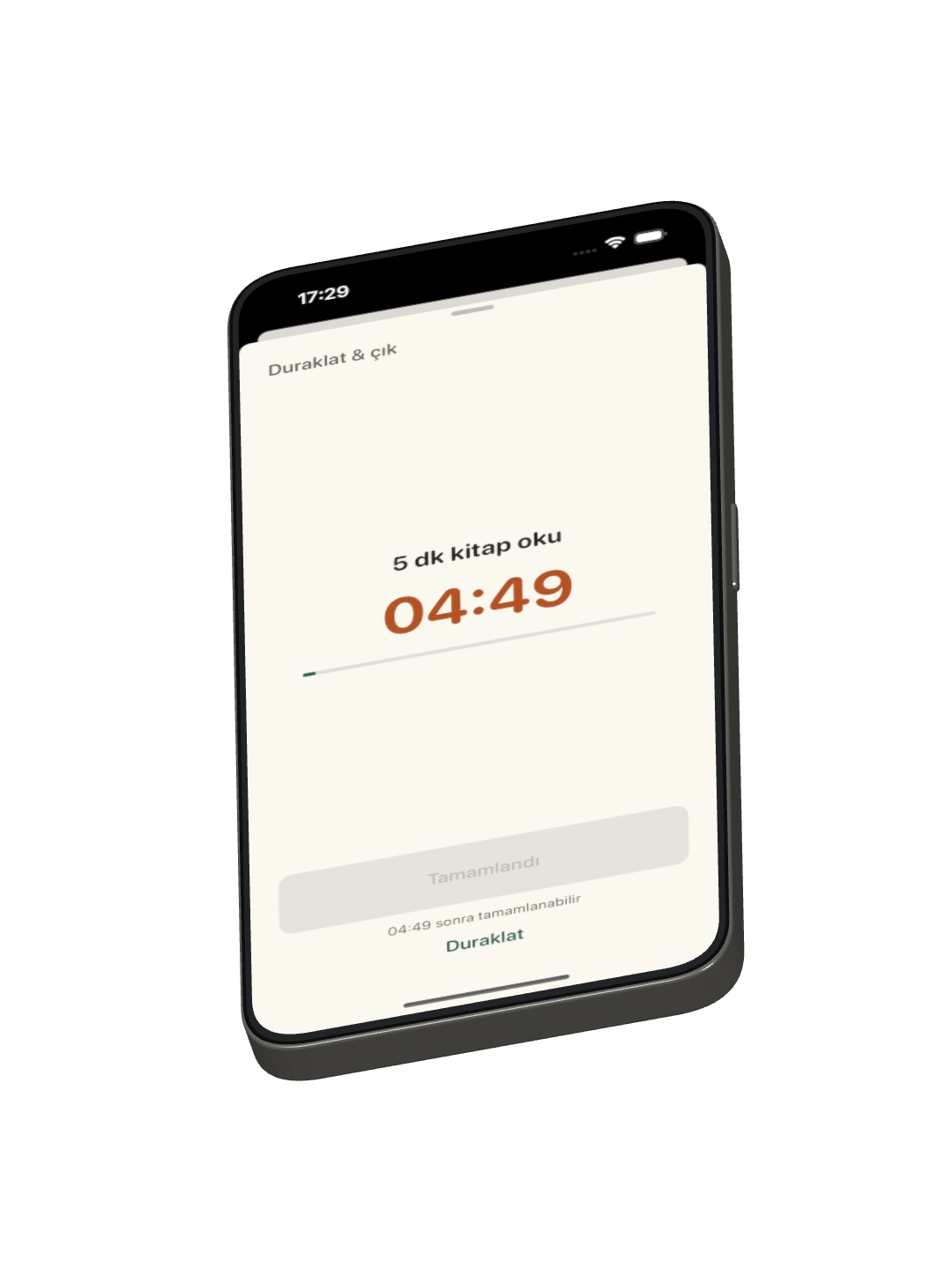
Plan meaningful work, focus on what is in front of you, and let progress shape your chosen app access.
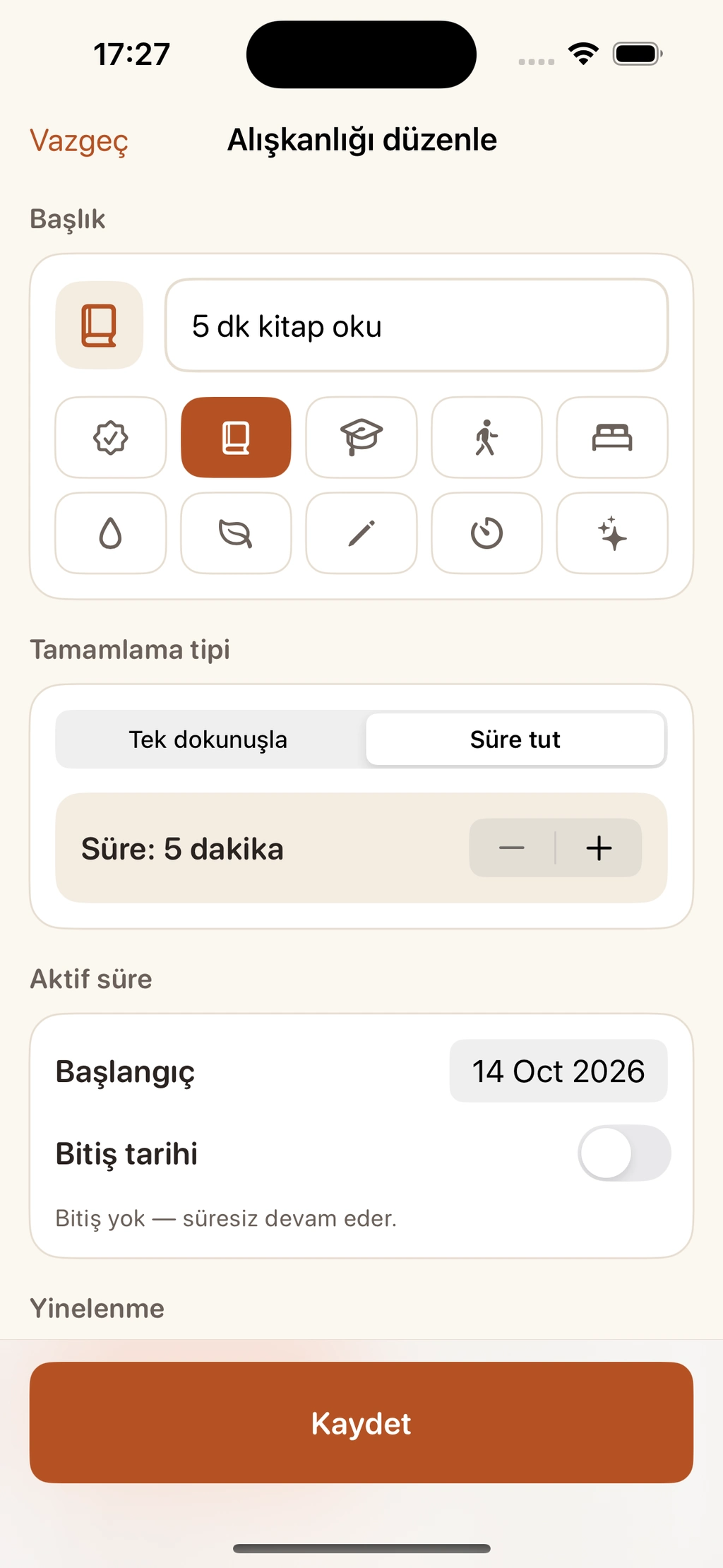
Make room for tasks and recurring habits. Choose the app rewards you want to connect to your work.
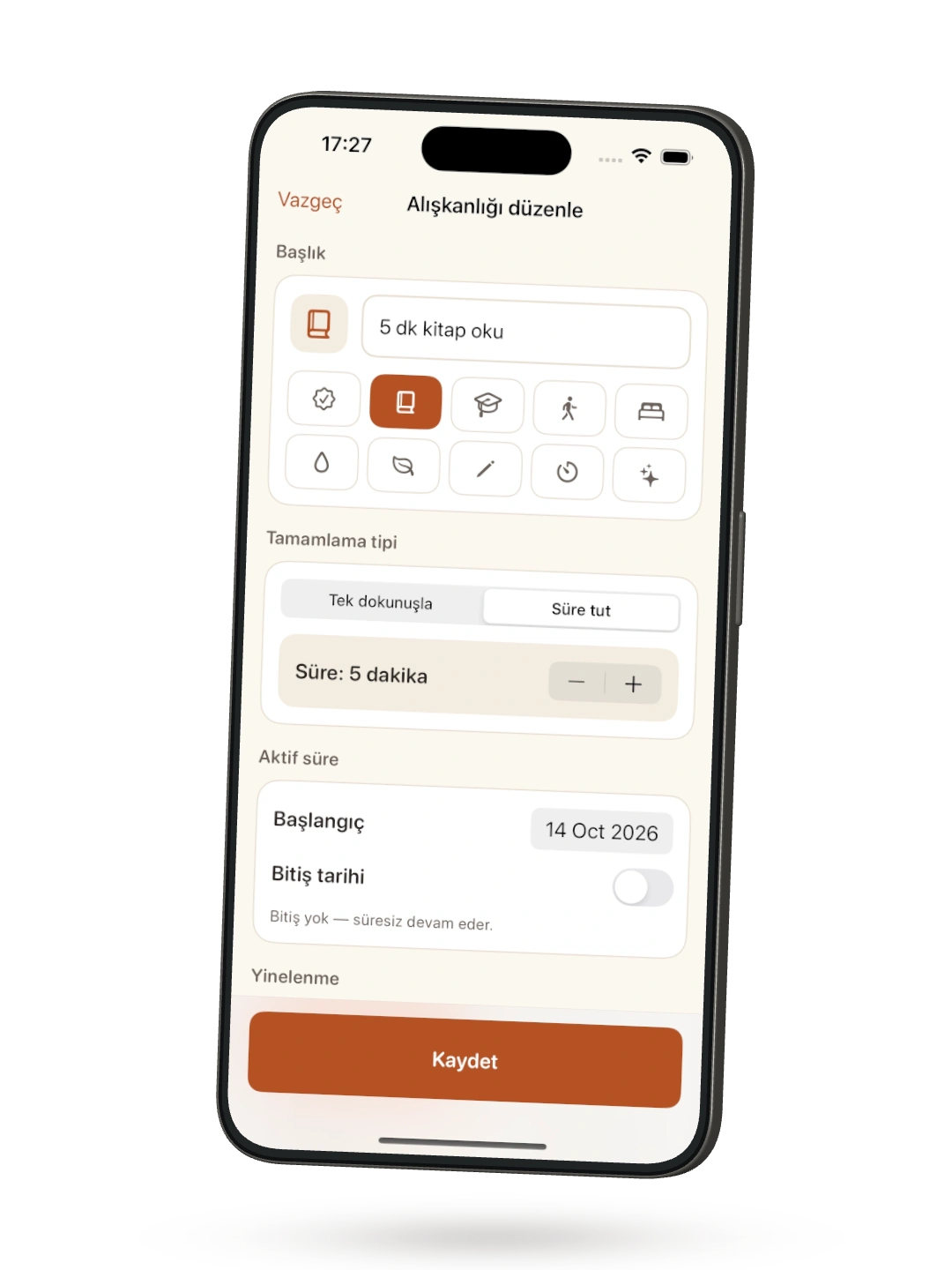
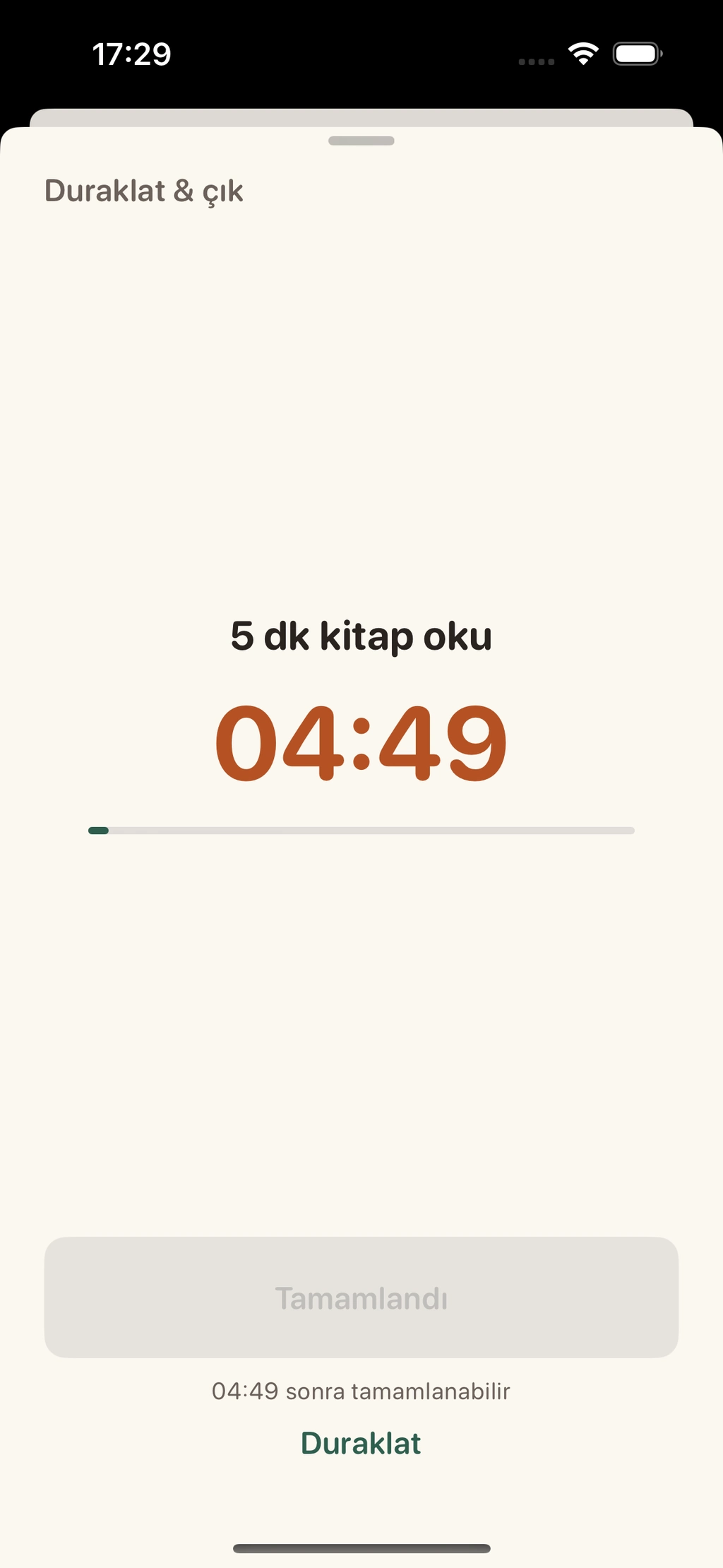
Give one thing your attention. A clear timer helps you stay with the work you chose.
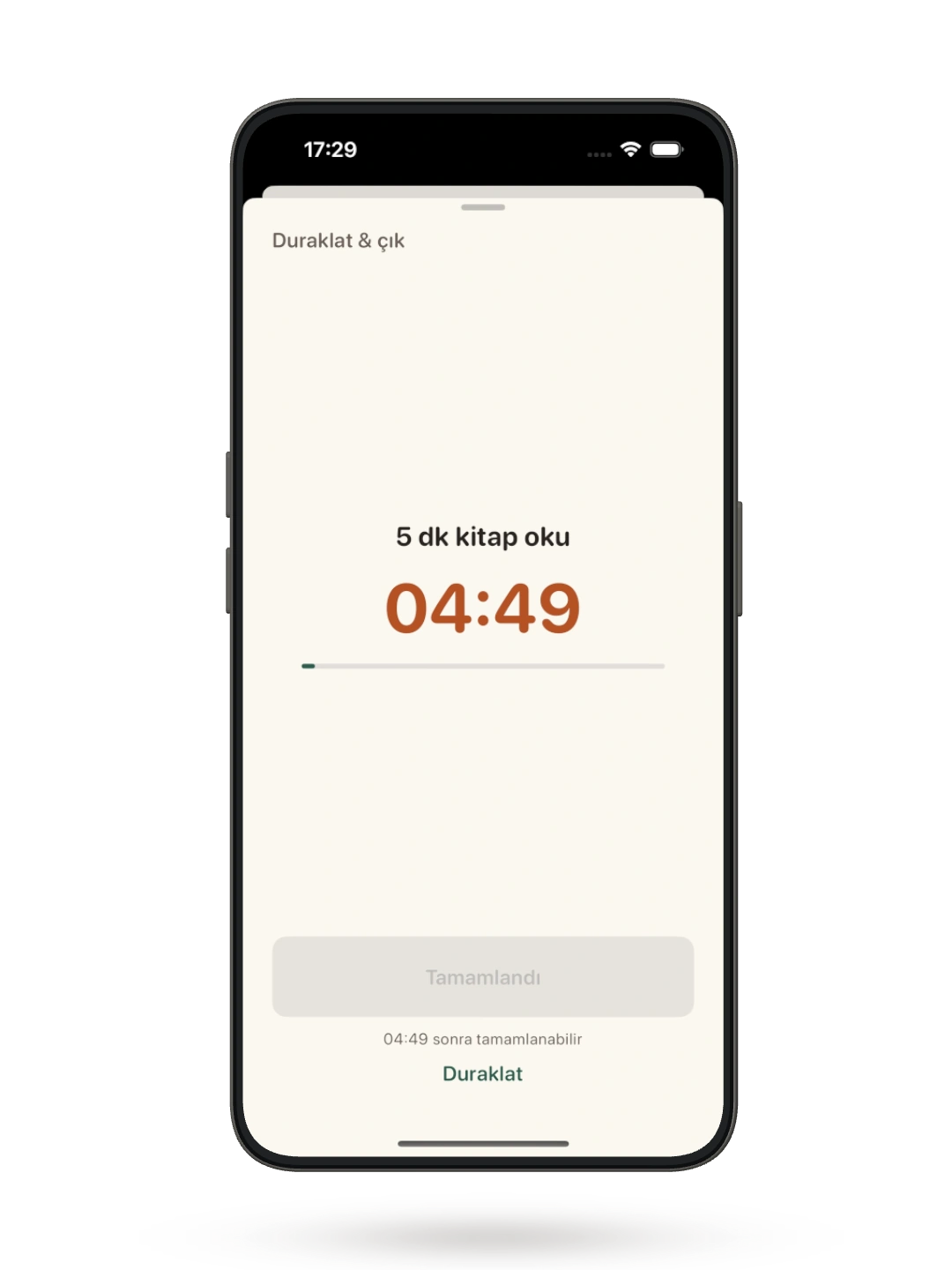
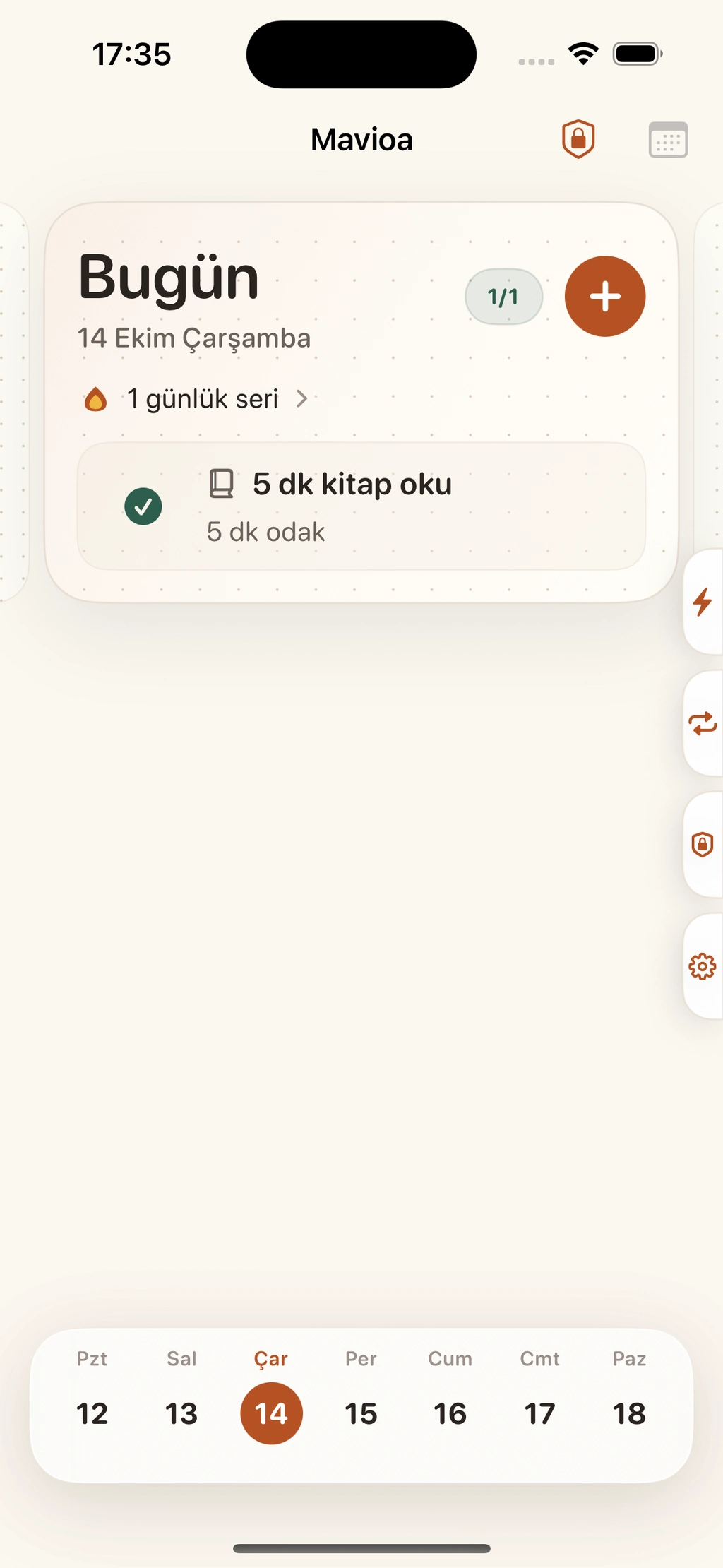
Complete your work and see your day move forward. Reward restrictions update as the relevant requirements are resolved.
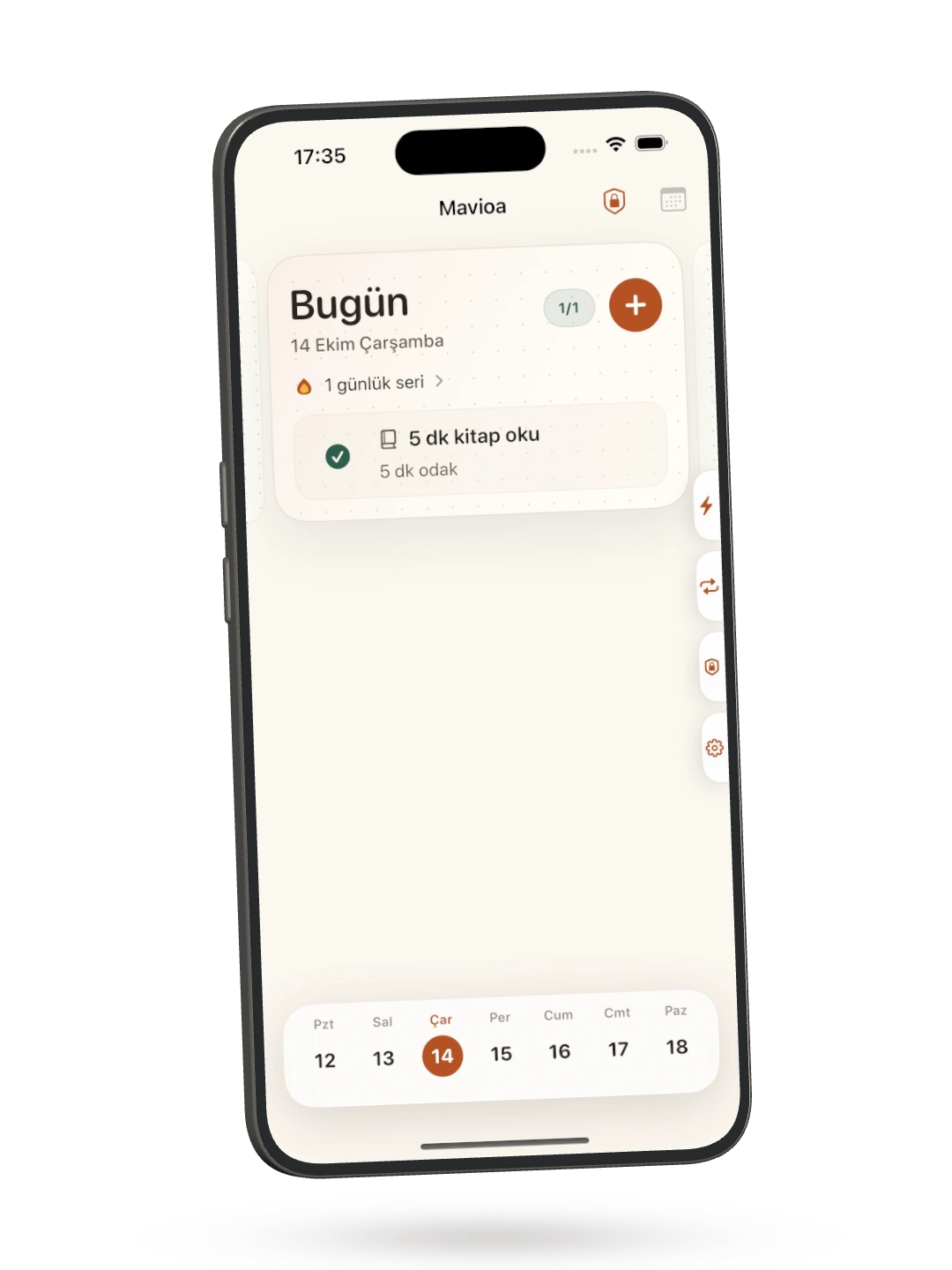
Authentic Turkish development screens are shown where English captures are not yet available.
Actual development captures, not live app states or proof of reward-app unlocking. If an app is linked to several requirements, all relevant requirements must be resolved. One completion does not erase the others.
Your day, your pace
Your tasks, your habits, your own thread of progress. A meaningful place to begin, and a reason to come back.
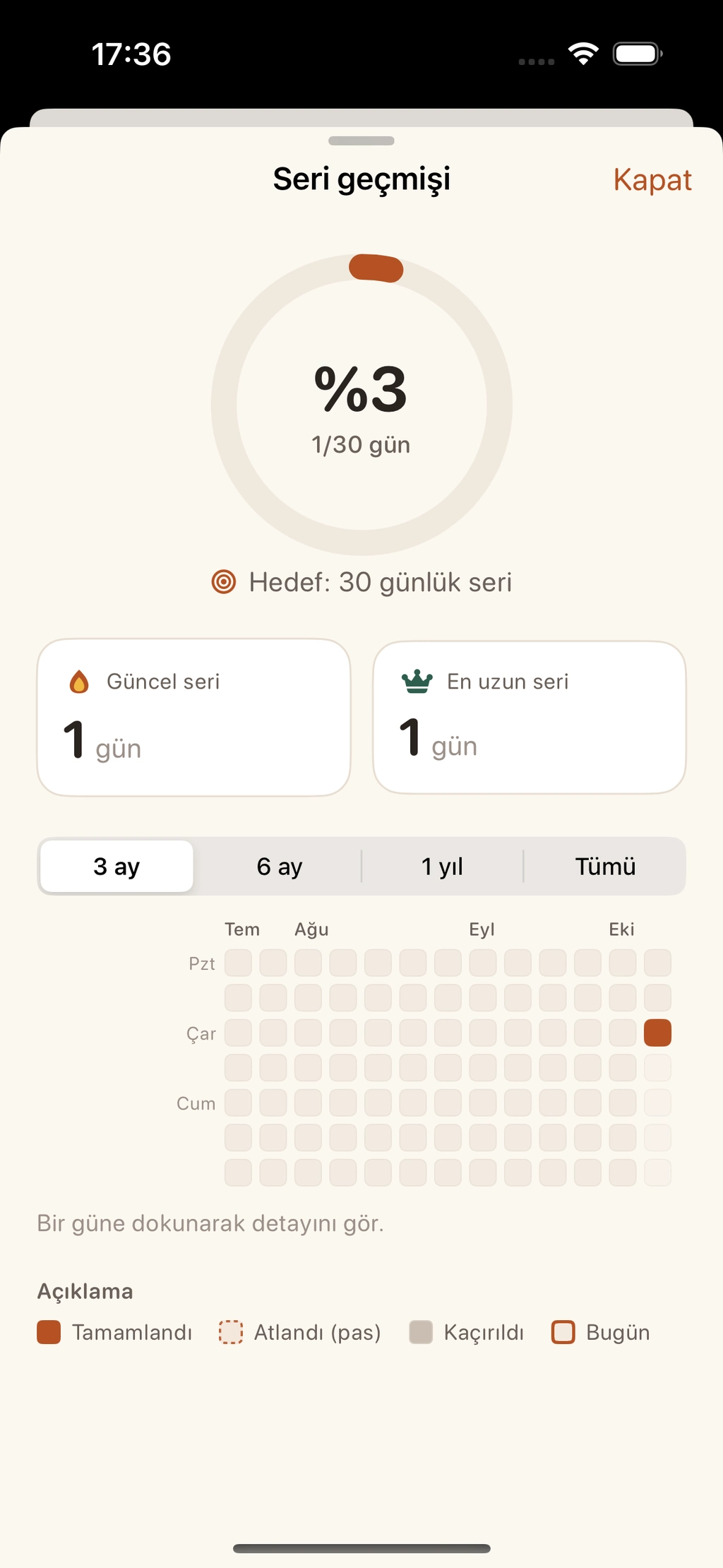
Each habit has its own streak; one-off tasks do not create a streak.
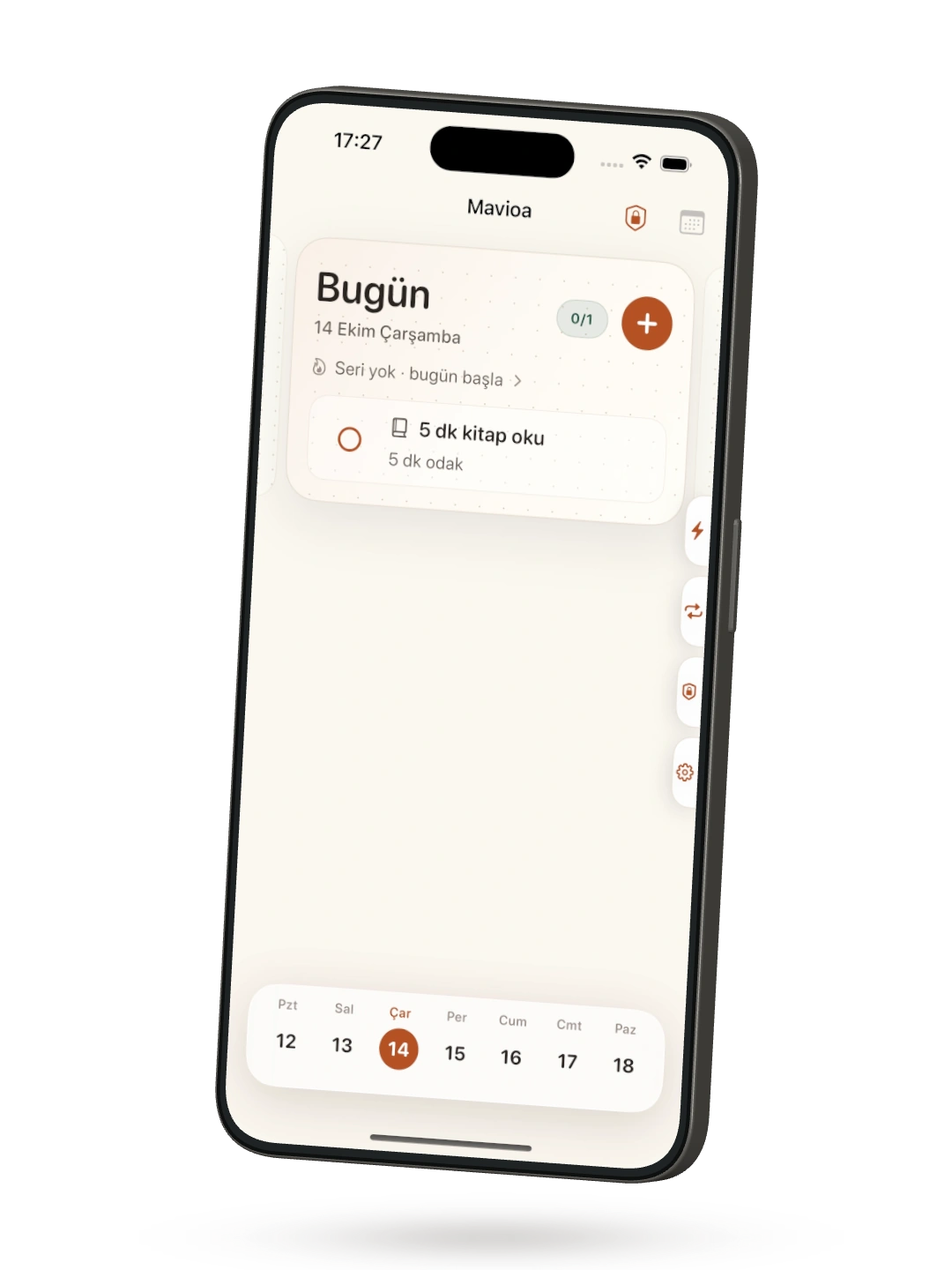
This Today example has no configured app rewards.
A habit, day by day
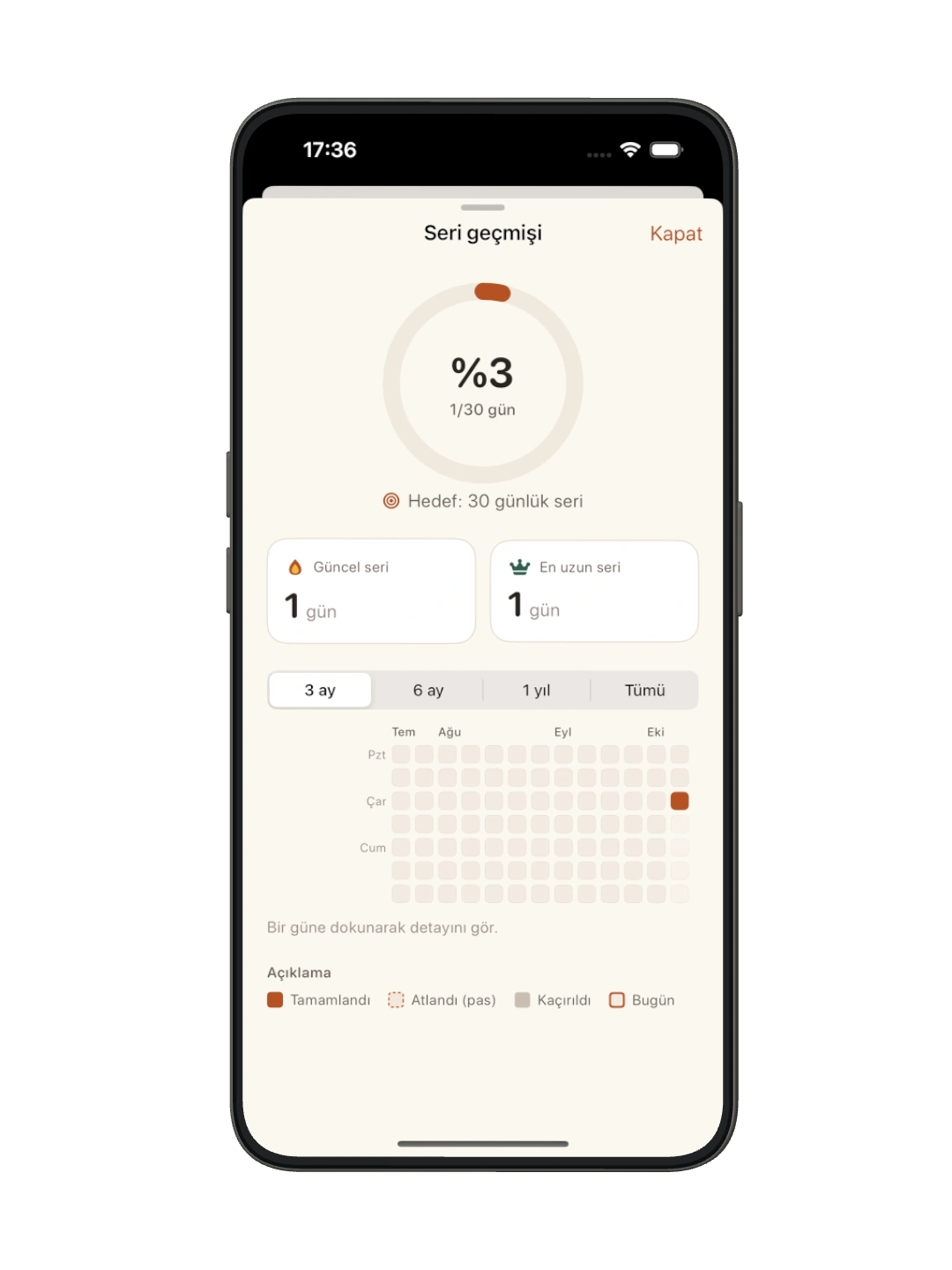
Each habit has its own streak. One-off tasks can be meaningful, too, without becoming another streak to maintain.
Your privacy
Choosing reward apps is personal. Permission, data handling and recovery deserve a plain explanation, alongside the product.
Read the privacy policyHere when you need us
Find guidance on permissions, reward selection and recovery, or get in touch.
Visit supportA few thoughtful answers
Permission lets Mavioa use Apple's Screen Time tools to restrict the reward apps you choose while their work requirements are pending. You can plan and complete tasks without granting this permission.
Apple's picker represents your choices with opaque application tokens. Mavioa stores these tokens to apply your choices; the current app does not derive selected app names, bundle identifiers or domains from them.
Mavioa can no longer enforce its app restrictions. Your tasks and history remain, and you can still complete work. Opening Mavioa alone does not necessarily ask for permission again.
Open a task or habit's reward-app settings and use the permission check or selection action. If permission is denied, enable it in iOS Settings, then return and try again. After reauthorization, choose the apps afresh; old selections do not automatically reactivate.
A habit may need more than one completion to meet its daily target. If the same reward app is linked to several tasks or habits, all applicable requirements must be satisfied. One completion does not clear the others.
The current app stores planning and history locally and has no Mavioa backend that automatically receives them. It does not use CloudKit sync. Normal iOS/device backups may apply; information you email to support is handled separately.
Mavioa schedules local notifications on your device. Check the item's reminder and Mavioa's notification permission in iOS Settings. Focus modes and notification settings can affect presentation. Titles may appear on the Lock Screen, depending on your settings.
Email teomanakman5@gmail.com for help or privacy questions. Include the app version, iOS version and steps that led to the issue. Leave out passwords, reward-selection tokens and sensitive personal information.
A more intentional day
Meaningful work, then time for what you enjoy. An earned day, on your terms.
Explore an earned day